
Setup Guide
Install OrbixPlay on Android AOSP
- 1
Enable Installation: Activate Developer Options and allow installation from third-party sources.
- 2
Install Downloader App:
- Open Google Play Store
- Search for and install 'Downloader'.
- 3
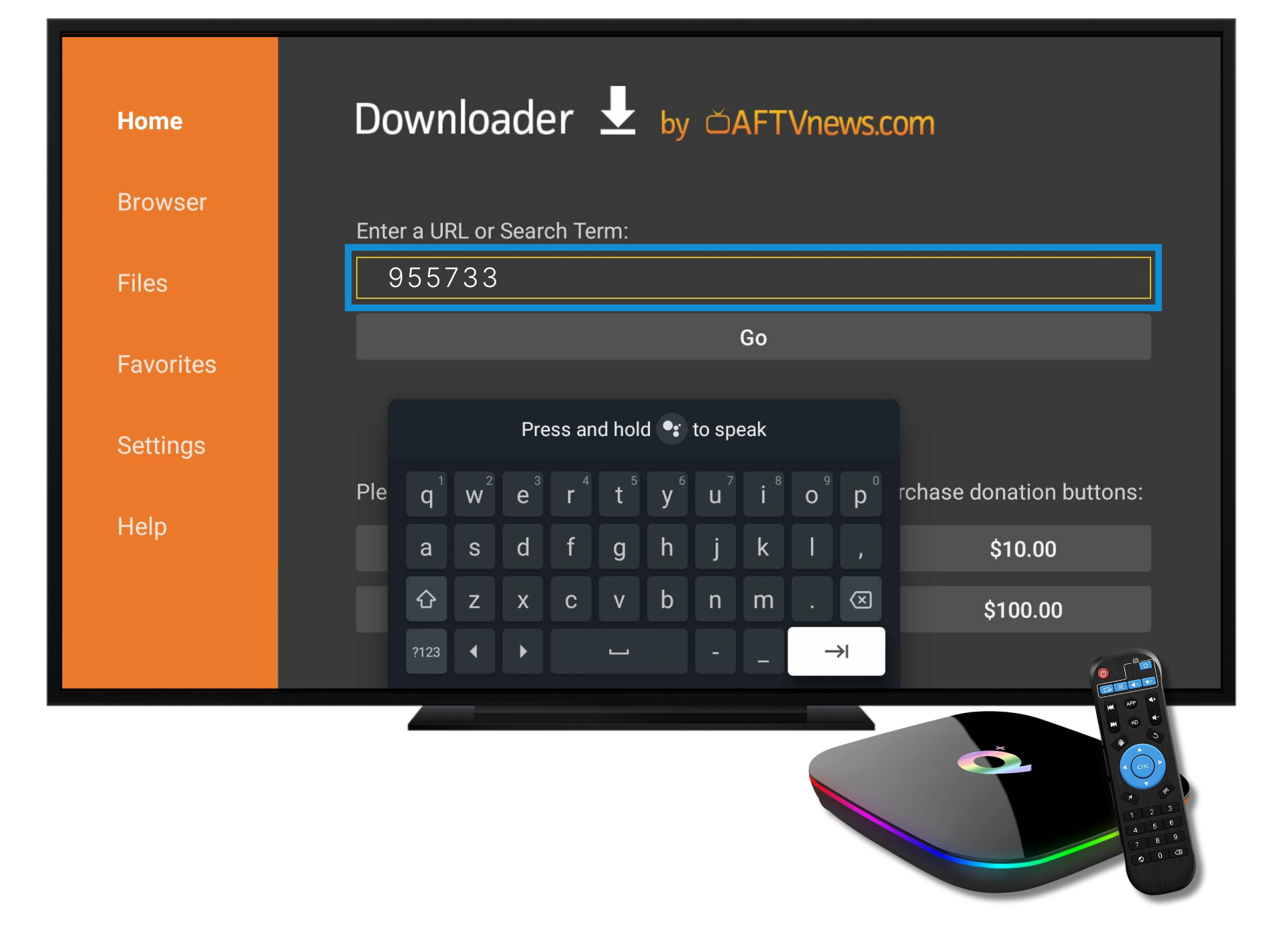
Use Downloader Code:
- Open Downloader.
- Enter code 955733 and press 'Go'.
- Click 'Download'.
- 4
Launch Your App:
- After installation, launch the app from your device's menu.